
Download LUDIO Player – IPTV player, free IPTV, Android IPTV, live TV streaming, M3U player, VLC alternative
Overview
LUDIO Player is a free desktop and mobile application designed for live TV streaming via IPTV protocols. The software functions as a media player tailored specifically for M3U and M3U8 playlist files, enabling users to access live television content through external streaming sources. It does not include any built-in channels or content libraries, meaning users must obtain their own IPTV subscription or use publicly available M3U links to begin streaming.
Primarily intended for casual viewers and media enthusiasts who prefer customizing their live TV experience, LUDIO Player serves as a lightweight alternative to more complex media solutions. Its core purpose is to simplify the process of adding, managing, and playing IPTV streams from various providers. The app is particularly useful for individuals who already subscribe to IPTV services and want a reliable, easy-to-use player to access their content across devices.
Developed by LUDIO, the application was initially designed to work with the Mr. Z TV IPTV service but has since evolved into a standalone player with broader compatibility. While it shares visual and functional similarities with the popular VLC media player, LUDIO Player is optimized for IPTV playback rather than general media file support. The software is suitable for users seeking a straightforward way to stream live channels on Android devices without the need for additional configuration.
Key Features & Capabilities
- M3U/M3U8 Playlist Support – LUDIO Player allows users to import and play playlists in standard M3U and M3U8 formats, which are commonly used by IPTV providers to deliver live channel lists.
- Multiple Playlist Management – Users can add and switch between multiple playlists directly from the app’s interface, making it easy to organize content from different providers or regions.
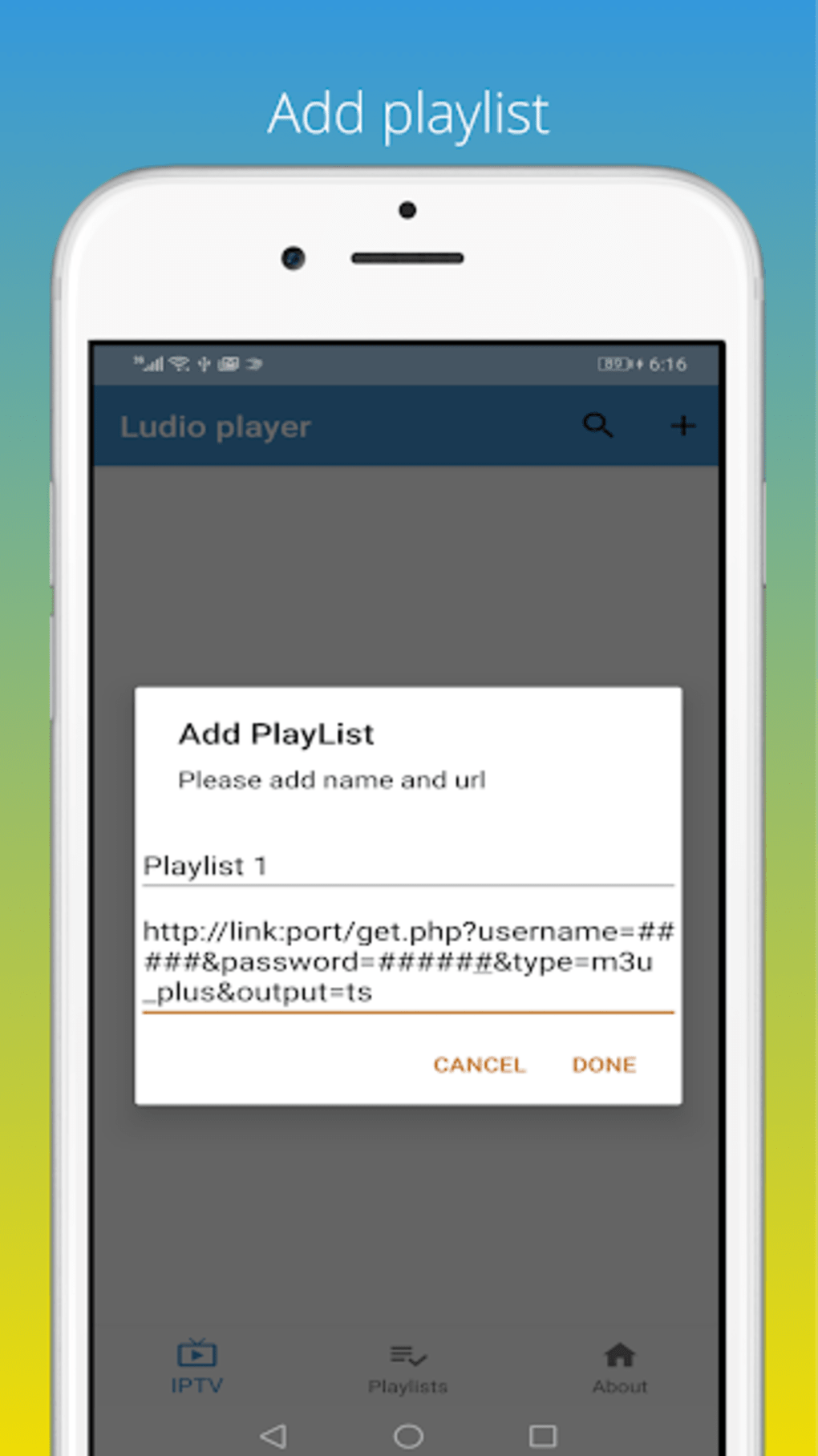
- Intuitive Playlist Addition – A simple plus button on the homepage enables quick addition of new playlists, streamlining the setup process for new users.
- Playback Controls – The app offers basic playback features such as volume adjustment via touch gestures, playback speed control, and the ability to jump to specific timestamps within a stream.
- Pop-Up Player Mode – Users can activate a floating window to continue watching while using other apps, enhancing multitasking capabilities on Android devices.
- Audio Equalizer – An integrated sound equalizer allows users to customize audio output for each stream, improving listening quality based on personal preference or device limitations.
- Screen Resizing – The player supports dynamic resizing to fit various screen sizes and orientations, ensuring a better viewing experience across different devices.
These features collectively enhance the usability of the app for viewers who rely on external IPTV services. The ability to manage multiple playlists and customize playback settings makes it a practical tool for users who frequently switch between different content sources. However, the lack of built-in channel discovery or content recommendations limits its appeal to more casual users unfamiliar with IPTV setup processes.
User Interface, Workflow & Performance
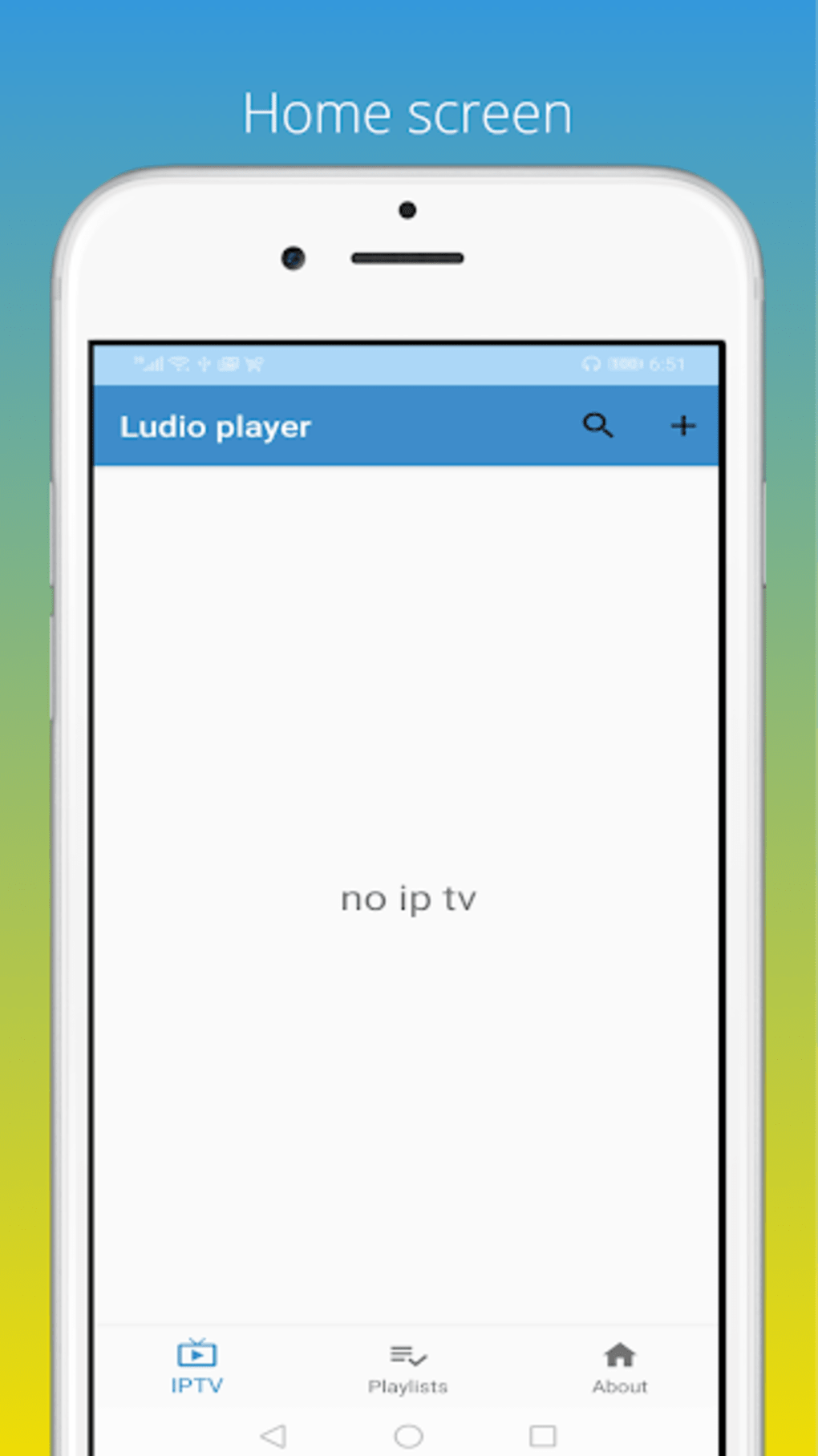
LUDIO Player features a clean and minimal interface that closely resembles the design language of VLC media player, offering familiar navigation for users experienced with similar applications. The main screen displays available playlists, with a prominent plus icon for adding new ones. The layout is straightforward, prioritizing accessibility and ease of use.
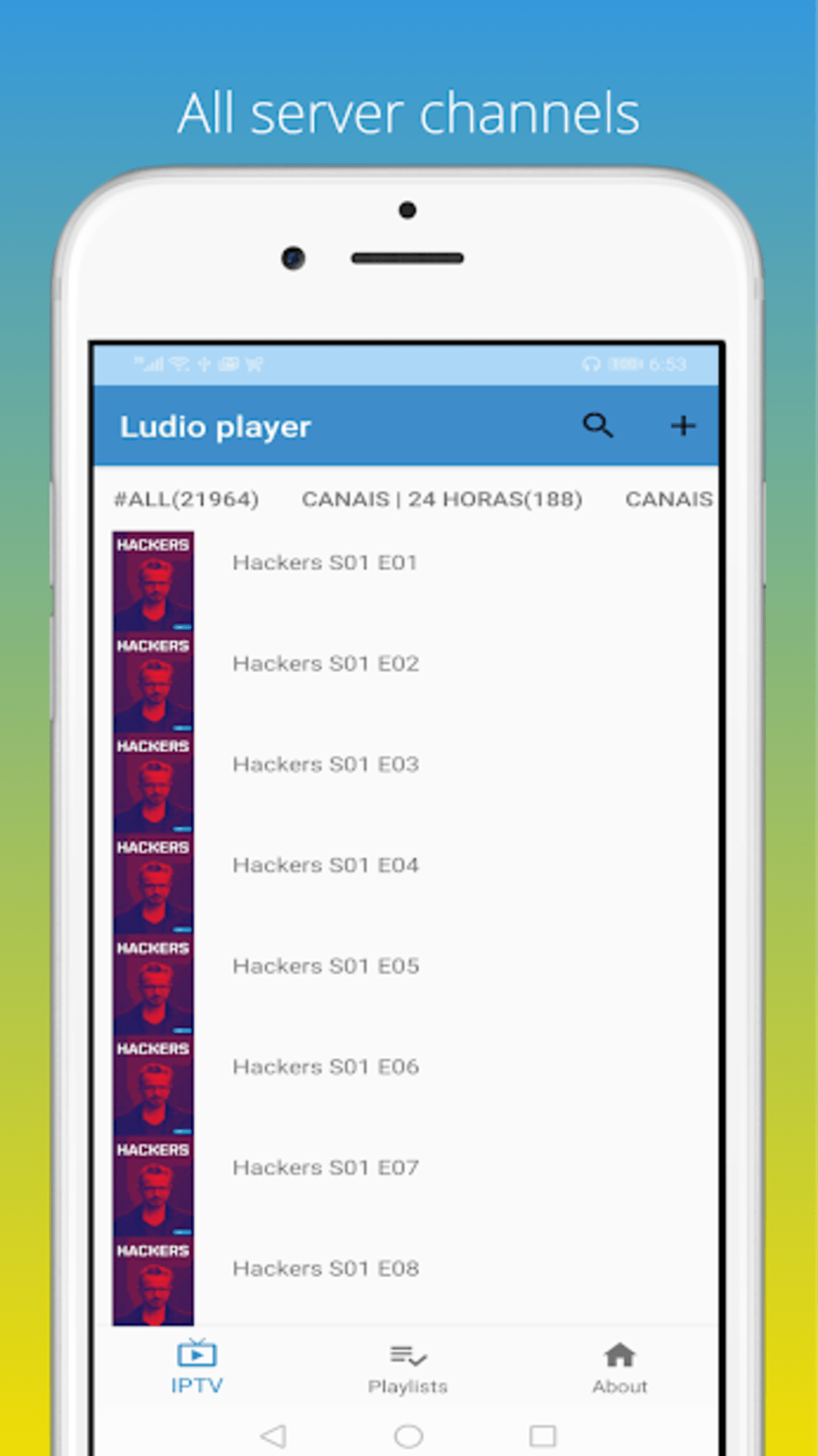
Workflow efficiency is generally high for experienced users, as adding a new playlist involves minimal steps—typically pasting a URL or selecting a file. Once a playlist is loaded, users can browse channels and start playback with a single tap. The inclusion of gesture-based volume control and pop-up mode supports smooth interaction during streaming sessions.
Performance observations are based on general software behavior patterns. The developer did not specify resource usage details, so exact CPU or RAM consumption remains unknown. However, reports indicate that playback may experience delays or buffering, even with stable internet connections. This could suggest inefficiencies in stream handling or buffering logic, though no technical diagnostics were provided. Stability during extended use was not detailed in the available information.
Compatibility & System Requirements
LUDIO Player is designed for Android operating systems. The current version is 1.2.3, with a file size of 15.4 MB. The developer did not provide additional system requirements, including minimum Android version or hardware specifications. As such, compatibility with older or newer devices cannot be confirmed beyond the stated OS platform.
Installation is straightforward, requiring only a standard APK file and permission to access storage and network resources. The app does not appear to require root access or special configurations. However, users should ensure their device supports M3U playback and has a stable internet connection for optimal streaming results.
Exact performance details were not specified. Users are advised to test the app on their specific device to evaluate responsiveness and compatibility with their IPTV source.
Pros and Cons
Pros
- Free to download and use with no in-app purchases
- Simple, intuitive interface similar to VLC
- Supports multiple playlists and easy switching
- Offers useful playback controls including speed adjustment and jump-to-time
- Includes a pop-up player for multitasking
- Features an audio equalizer for custom sound settings
- Lightweight at 15.4 MB
Cons
- Lacks built-in channels; requires external playlist sources
- Buffering issues reported even on stable connections
- No option to adjust video resolution based on network conditions
- Performance and resource usage details not disclosed
- Not available on non-Android platforms
FAQ Section
Is LUDIO Player free to use?
Yes, LUDIO Player is available at no cost. There are no subscription fees or in-app purchases required to access its core features.
Can I use LUDIO Player without an IPTV subscription?
No, the app does not include any live channels or content. You must have an active IPTV subscription or use publicly available M3U links to stream content.
Is LUDIO Player safe to download and install?
The app is distributed as a standard Android APK. While the developer is known for its IPTV tools, users should only download from trusted sources to avoid potential security risks.
Does LUDIO Player support offline viewing?
Currently, the app does not support downloading or storing streams for offline playback. All content must be streamed in real time.
How often does LUDIO Player receive updates?
Update frequency is not publicly disclosed. Users are advised to check the developer’s official channel for the latest version.
Final Thoughts + CTA
LUDIO Player stands out as a reliable and lightweight option for Android users seeking a free IPTV player with strong playlist management and playback customization. While it lacks built-in content and has reported buffering issues, its clean interface, support for multiple playlists, and useful features like pop-up mode and audio equalization make it a solid choice for those already invested in IPTV services.
Despite some performance limitations, the app delivers a functional experience for users who value simplicity and control. It is particularly well-suited for viewers who prefer managing their own streaming sources and want a VLC-like alternative tailored for live TV.
Download LUDIO Player now





.png)

